Alt Text: The Small Field That Does a Lot
There's a field in your content editor labeled Alternative Text (it also is connected to all images on the web including those that we upload to social media!) Most people skip it, if they see it all! Yet, it's worth a few seconds of your attention per image, and it does more work than almost anything else you'll do that day.
What it is
Alt text is a short written description of an image, stored in the image's code rather than displayed on the page. In WordPress it's the Alternative Text field in the media library. Every major platform has an equivalent, usually right where you upload.
Alt Text (also know as Alternative Text) does three jobs:
Screen readers read it aloud. When the software reaches an image, it announces "graphic" and reads whatever you wrote. With nothing there, it may read the filename instead — which is how a visitor ends up hearing "graphic, I-M-G underscore four four seven one dot jay-peg."
It displays when the image doesn't load. Slow connection, broken link, data saver on.
Search engines use it to understand the picture. What does that mean? It means it helps your findability in search engines like Google. Good content is accessible content!
How to write one
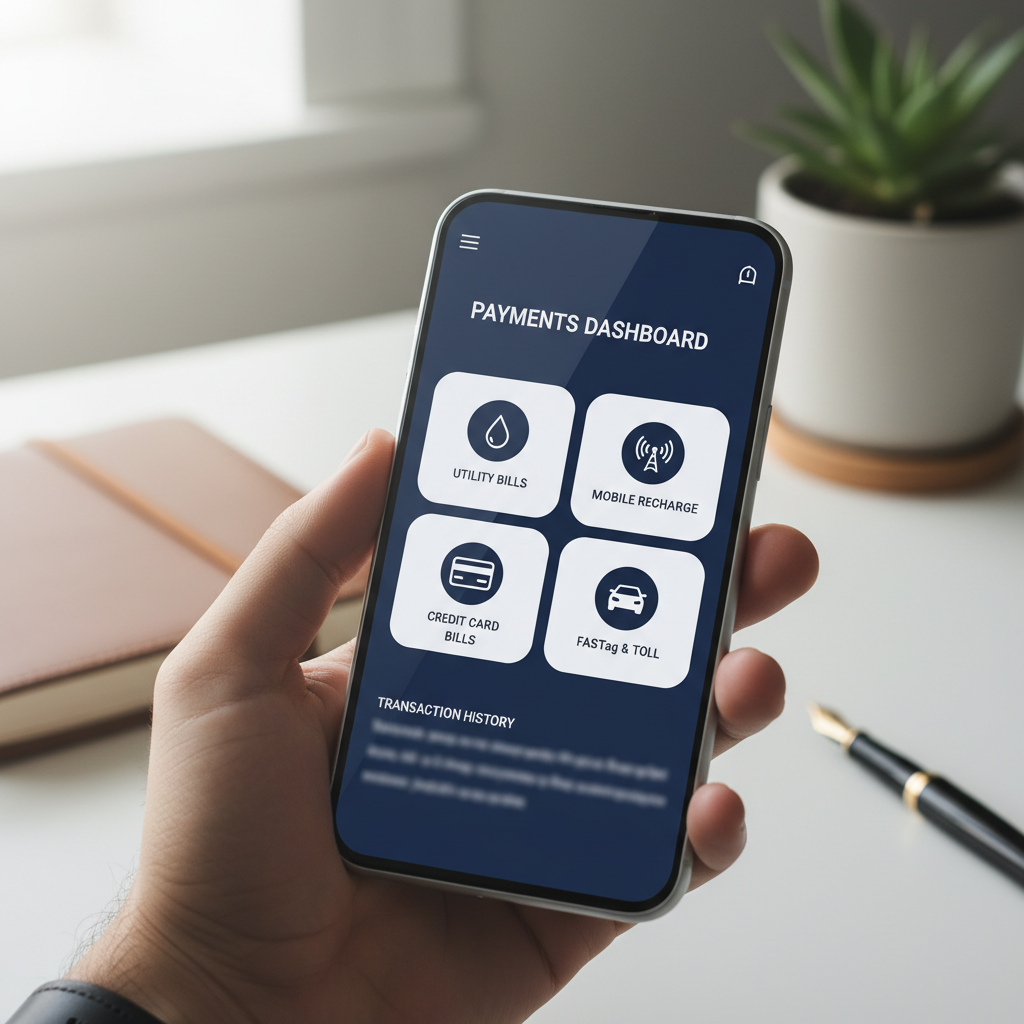
Keep it short & simple! Describe what the image communicates in this context, not everything visible in the frame. The same photo can need different alt text on different pages — a headshot might be "Sarah Chen, founder" on your team page and "A person working at a home desk" on a post about remote work.
A few rules that cover most cases:
- Keep it to roughly a sentence: If you need more than a sentence to describe a complex image (such as a explanatory diagram or an infographic) consider creating a companion doc where you can describe the image in greater detail. This can be a Google Doc, another page on your website, whatever (as long as it's available to users!). Use the alt text to direct users to the document. For example, explanation of our accessibility workflow, see __________ for full text.
- Skip "image of" and "photo of" — screen readers already say it's an image
Include any text that appears in the image. Always - Don't stuff keywords! It sounds like gibberish read aloud and stopped helping rankings years ago
- Purely decorative images — dividers, background flourishes — get empty alt text, so screen readers skip them rather than announcing a filename - for the overzealous among us, consider carefully -- does this image communicate information or is just decorative? Decorative only? Don't add to filler.
Why it's required
Alt text isn't a best practice you can get to later. Under the Web Content Accessibility Guidelines, providing text alternatives for non-text content is success criterion 1.1.1, Level A — the very first requirement in the standard, at the minimum conformance level. Most organizations are aiming for Level AA, which is higher still. WCAG is the standard referenced in ADA settlements, in the Department of Justice's Title II rule for state and local government, in Section 508 for federal agencies and their vendors, and in the European Accessibility Act.
It's also among the most commonly cited items in accessibility complaints — partly because it matters, and partly because an automated scanner detects a missing alt attribute in seconds. Anyone can run that scan on your site. Some people run it on thousands of sites at a time. (We're accessibility practitioners, not attorneys, and none of this is legal advice.)
And it helps you get found
Search engines can't see images. They rely on the filename, the surrounding page, and the alt text to work out what a picture actually shows.
That's what makes your images eligible to appear in image search — a traffic source most businesses never think about — and it contributes to how the page as a whole is understood. Keywords in alt attributes have long been treated somewhat like anchor text.
There's a broader pattern here: alt text, real headings, descriptive links, video transcripts. All of it exists to make content understandable without seeing it, which is exactly the problem a search crawler has. You do the work once and get paid twice.
While you're at it, rename your files before uploading. blue-ceramic-mug.jpg beats IMG_4471.jpg for search, and it's a much better fallback if alt text is ever missing. We'll discuss filenaming in another post and how it helps findability and accessibility as well.
If the backlog is bigger than an afternoon
Years of uploads with empty alt fields is an ordinary place to be, and it's not a good use of your team's week. We provide accessibility audits, ongoing accessibility support, and content remediation — including working through image libraries, writing alt text that's accurate rather than automated, and training your team so the next few years of uploads don't rebuild the same backlog.
Contact us for a quote — tell us roughly what you're working with and we'll give you a scope and a number.